Unity Junior Programmer Create With Code Challenge 4 – Soccer Scripting

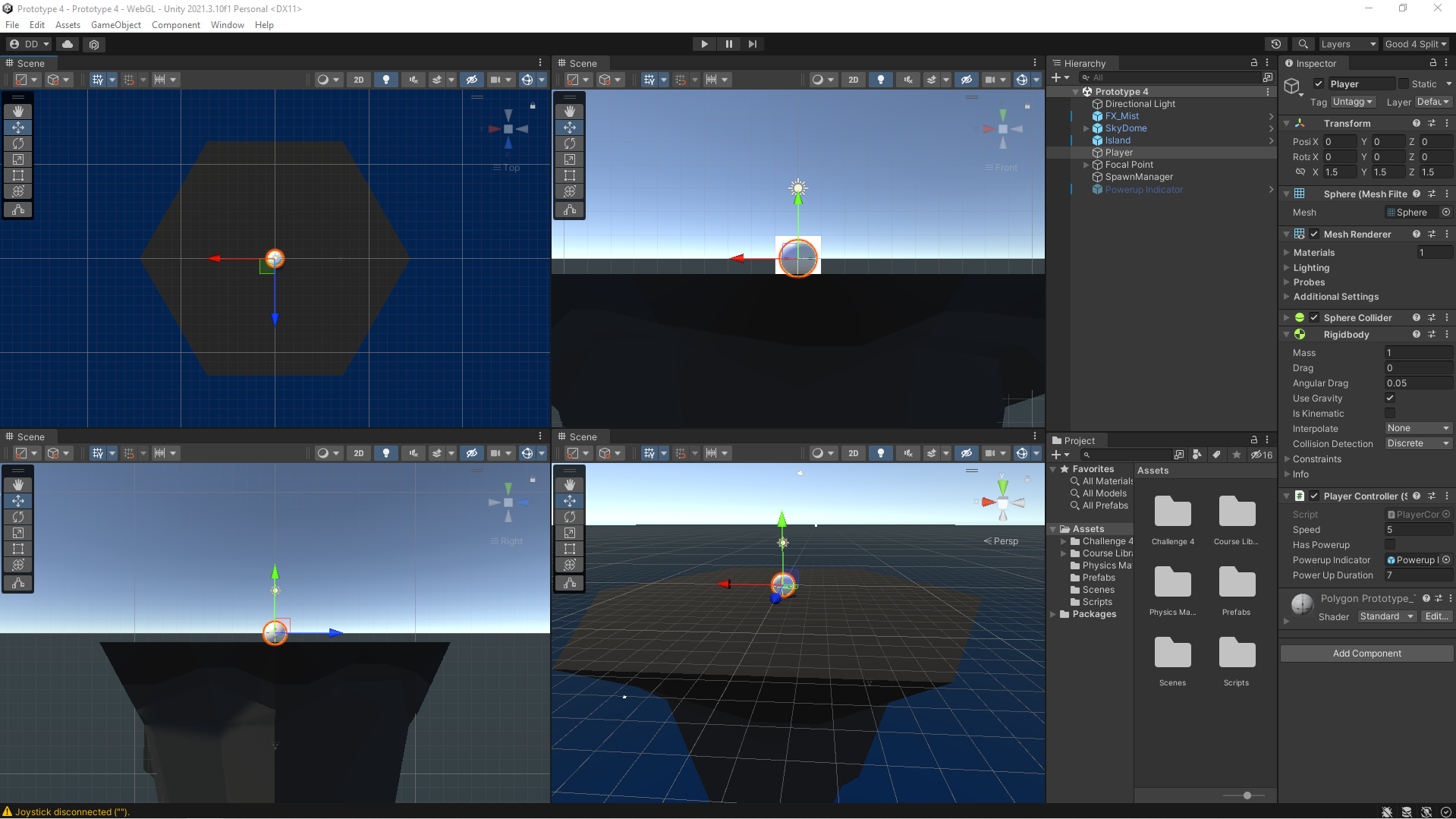
Custom Unity Development Environment

The challenge: use the skills I just learned in the Sumo Battle prototype in a completely different context: the soccer field. Just like in the prototype, you will control a ball by rotating the camera around it and applying a forward force, but instead of knocking them off the edge, your goal is to knock them into the opposing net while they try to get into your net. Just like in the Sumo Battle, after every round a new wave will spawn with more enemy balls, putting your defense to the test. However, almost nothing in this project is functioning! It was my job to get it working correctly.

Continue reading Unity Junior Programmer Create With Code Challenge 4 – Soccer Scripting

Unity Junior Programmer Mission Create With code Unit 4 – Gameplay Mechanics

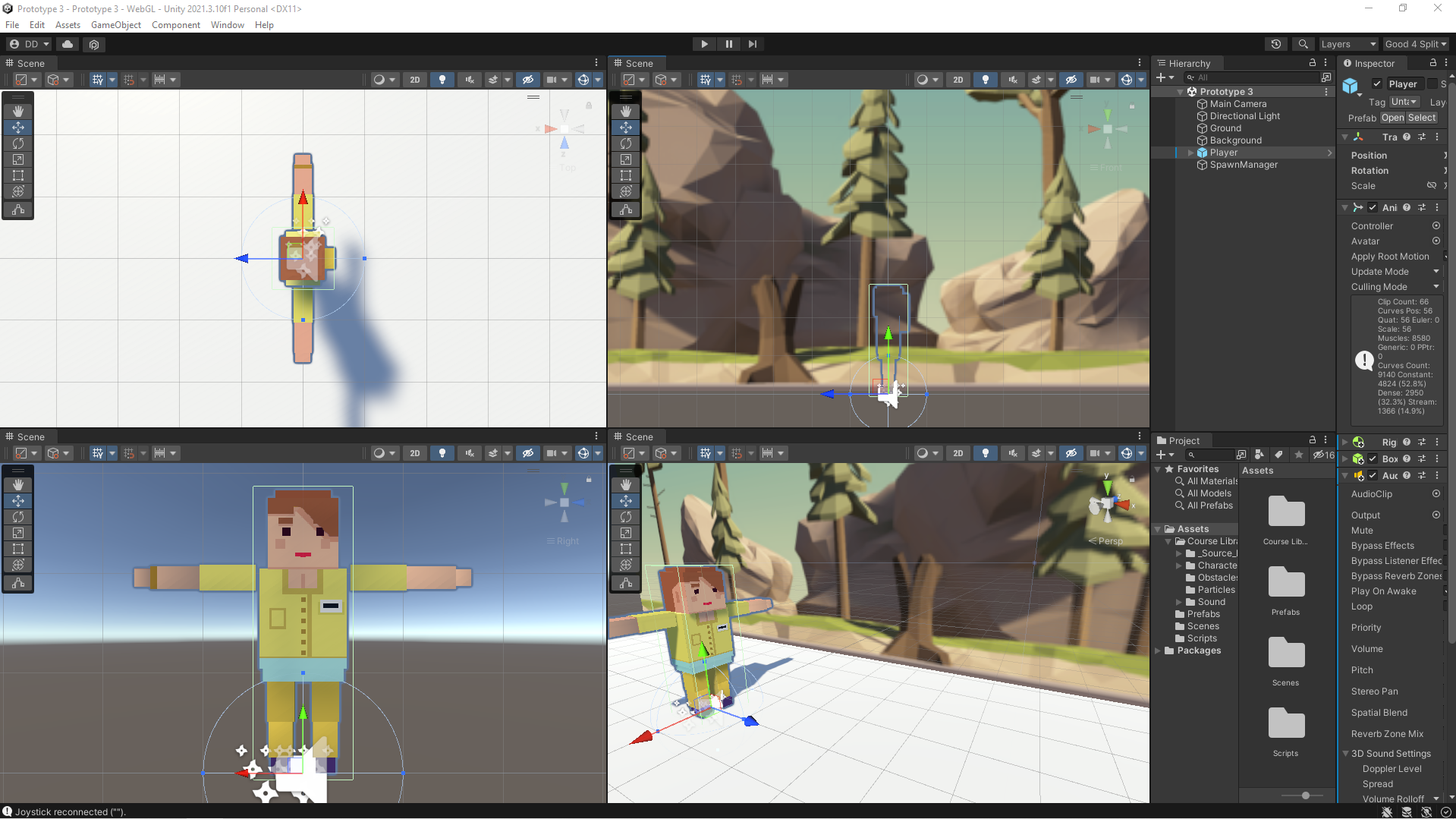
Unity Development Environment

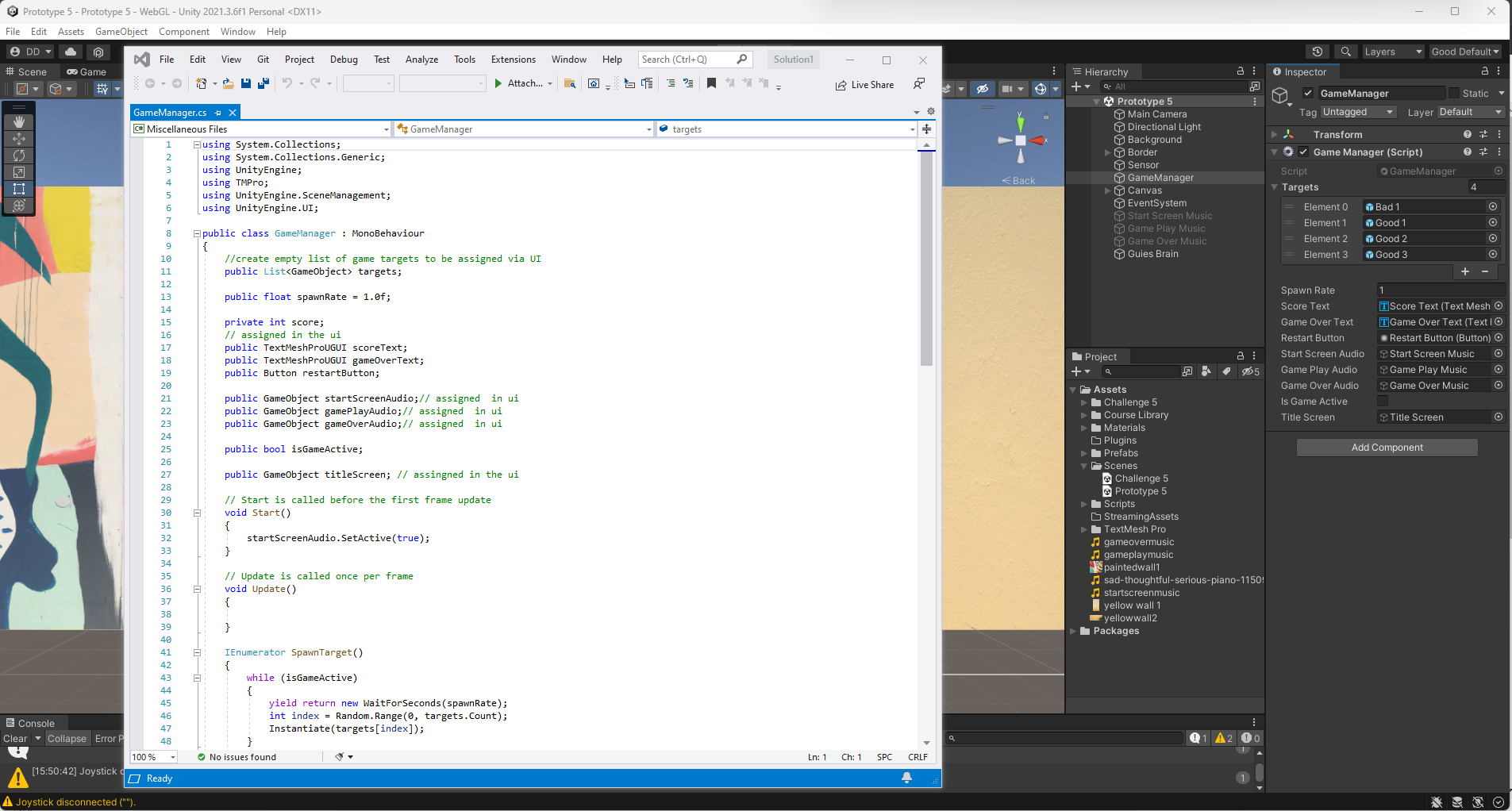
In this Unit, the goal was to program an arcade-style Sumo battle with the objective of knocking increasingly difficult waves of enemies off of a floating island, using power ups to help defeat them. In creating this prototype, I practiced implementing new gameplay mechanics, which are new rules or systems that make the game more interesting to play. The project scope included programming a powerup, which give the player a temporary advantage. Also included was the requirement to program increasingly difficult enemy waves, which make survival more challenging for the player. I learned how a good balance of powerups and increasing difficulty make for a much more interesting gameplay experience.

Continue reading Unity Junior Programmer Mission Create With code Unit 4 – Gameplay Mechanics

Markerless AR

Markerless Augmented Reality Development Environment

This type of augmented reality technology is called markerless AR.  Using this technique you do not need to program an image Target to project your metaverse scene into the real world.   Instead the AR engine is analyzing the environment and detecting a ground plane. When the ground plane is detected the reticule will align and you may then project a 3D object or environment that will stay locked in at those exact coordinates.

Continue reading Markerless AR

Unity Junior Programmer Mission Create With code Unit 3 – Sound and Effects

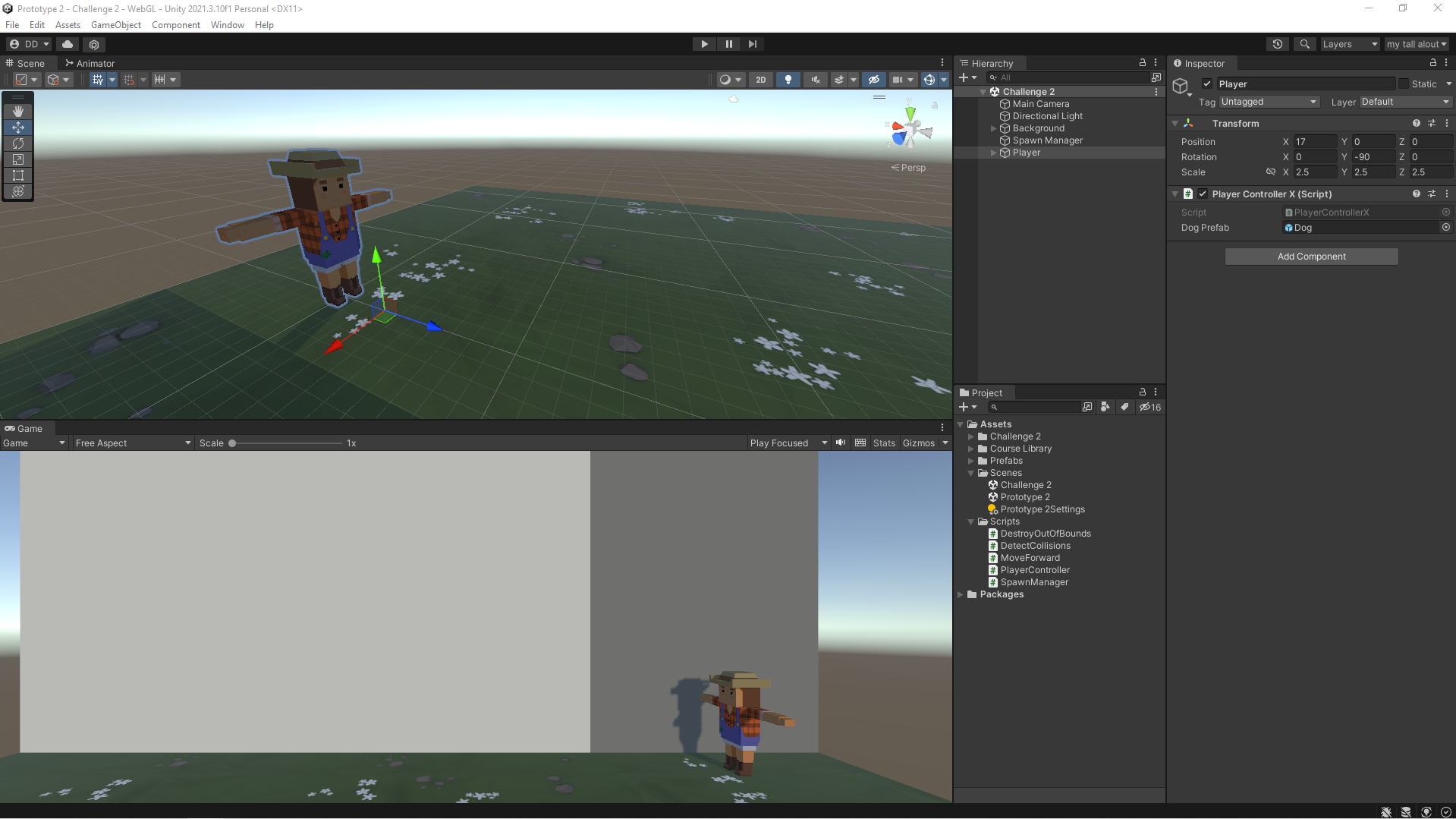
3d Metaverse Application Development Workspace

The objective of this fun project was to program an endless side-scrolling game with a fast-paced runner style of gameplay. While completing this prototype, I learned how to completely transform the experience of my projects using sound effects and music. I also learned how to create dynamic endless repeating backgrounds that are critical for a side-scrolling gameplay experience.  The final piece of work was learning how to use particle effects such as splatters and explosions. They seem to make the game so much more satisfying to play!

Continue reading Unity Junior Programmer Mission Create With code Unit 3 – Sound and Effects

Unity Junior Programmer Mission: Create With code Challenge 2 – Program a dog to play fetch

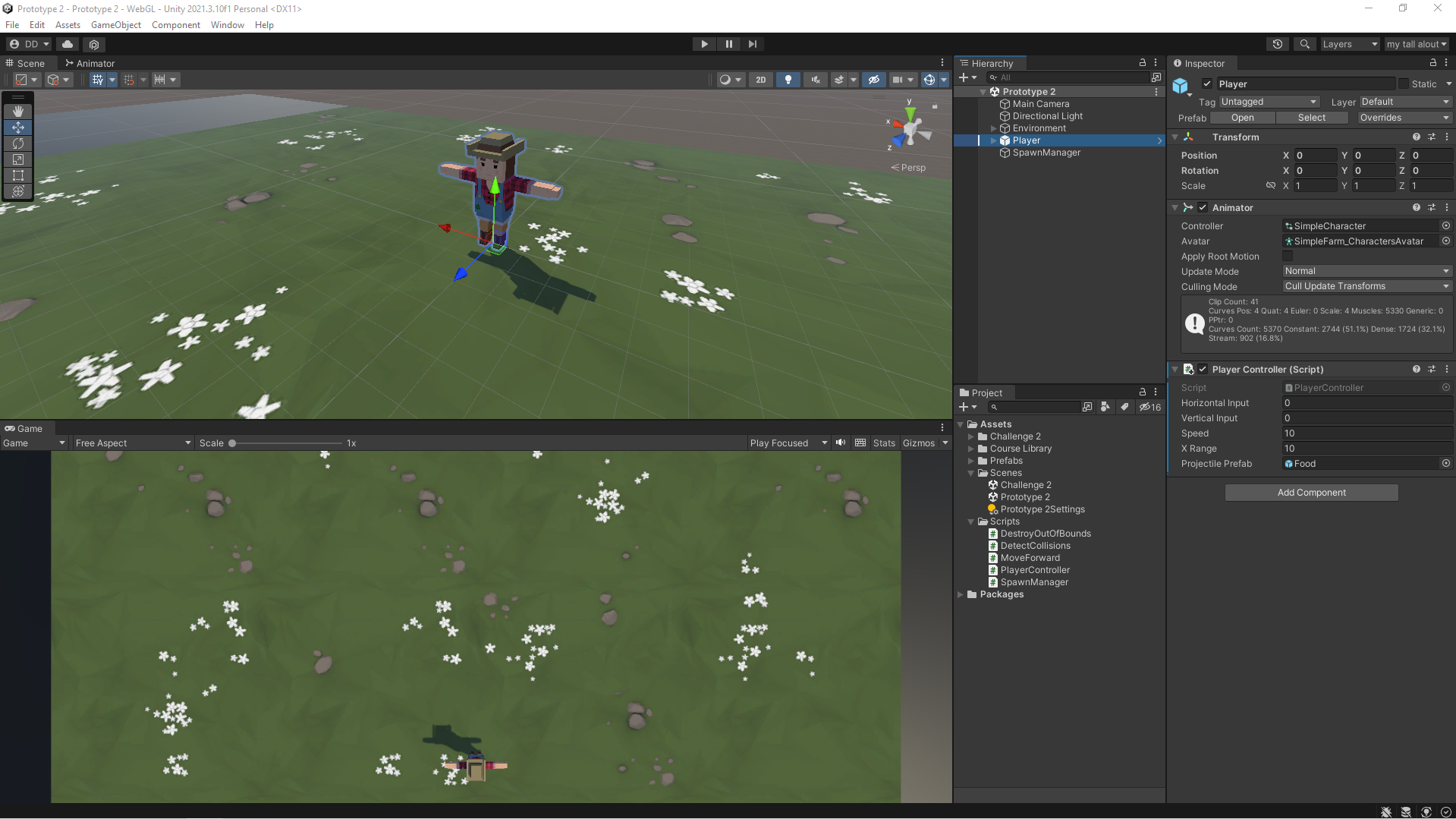
My custom Unity development layout

I used array and random number generation skills to program this challenge where balls are randomly falling from the sky and you have to send your dog out to catch them before they hit the ground. To complete this challenge, I was required to make sure the variables are assigned properly, the if-statements are programmed correctly, the collisions are being detected perfectly, and that objects are being generated randomly.

Give the game a try in your browser at https://meta.dwdenney.com/challenge2/

Continue reading Unity Junior Programmer Mission: Create With code Challenge 2 – Program a dog to play fetch

Unity Junior Programmer Mission: Create With code Unit 2 – Basic Gameplay

My Custom Layout in Unity Development Environment

In this mission I undertook the bold task to program a top-down game with the objective of throwing food to hungry animals. To make things even more outrageous, the wild hungry animals are stampeding toward you and you must feed them before they can run past you. While working on this I became much more familiar with some of the most important programming and Unity concepts, including if-then statements, random value generation, arrays, collision detection, prefabs, and instantiation. I programmed a “Spawn Manager” to handle the spawning of random animals at random intervals. By completing this project I have demonstrated the ability to program a basic game complete with launching projectiles and maneuvering the player to keep the game alive.

https://meta.dwdenney.com/unit2/

Continue reading Unity Junior Programmer Mission: Create With code Unit 2 – Basic Gameplay

Unity Rotate Object

A simple script to rotate object in Unity

using System.Collections;
using System.Collections.Generic;
using UnityEngine;

public class Rotate : MonoBehaviour
{
    Vector3 movement;
    public int xi, yi, zi;

   
    void Start()
    {
        movement = new Vector3(xi, yi, zi);
    }

    
    void Update()
    {
        transform.Rotate(movement * Time.deltaTime);
    }
}


Add values to the public variables xi, yi, zi depending on the speed and direction you would like the object to rotate.

Unity Junior Programmer Mission: Create With code Challenge 1 – Program an Airplane to fly

I was challenged to use the skills learned in the driving simulation to fly a plane around obstacles in the sky. I was required to get the user’s input from the up and down arrows in order to control the plane’s pitch up and down. I also needed to make the camera follow alongside the plane in order to keep it in view.

Continue reading Unity Junior Programmer Mission: Create With code Challenge 1 – Program an Airplane to fly

Unity Junior Programmer Mission: Create With code Unit 1 – Start your 3D Engines

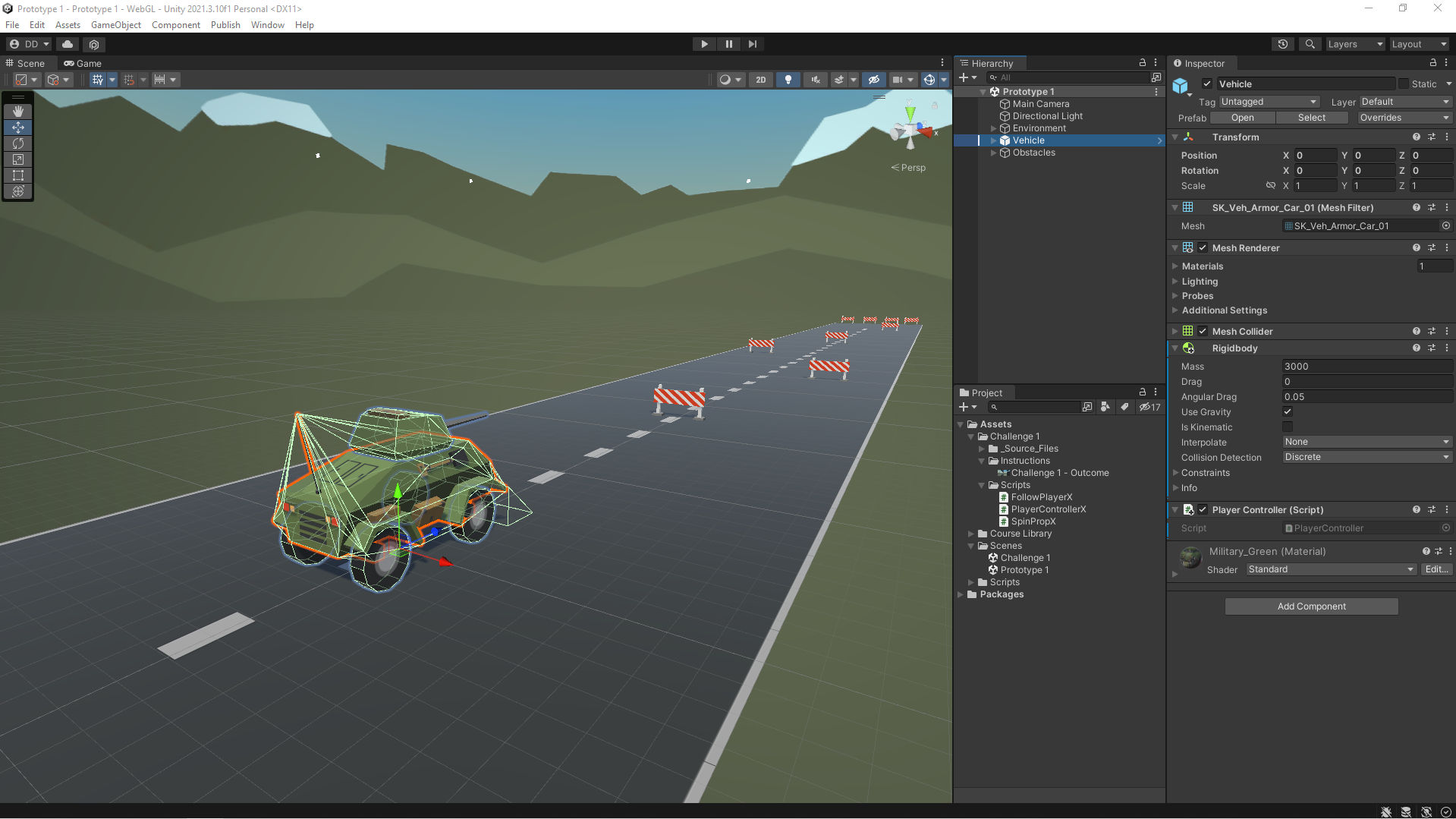
In this Unit, I programmed a car moving side-to-side on a road, trying to avoid (or hit) obstacles in the way. In addition to becoming familiar with the Unity editor and workflow, I learned how to create new C# scripts and do some simple programming. By the end of the Unit, I was able to call basic functions, then declare and tweak new variables to modify the results of those functions.

Continue reading Unity Junior Programmer Mission: Create With code Unit 1 – Start your 3D Engines

Sound and FX in the Metaverse

While most people think about the Metaverse as being a media that  involves visual art, there is an often overlooked area that can greatly enhance a metaverse project. Currently most apps and games have a pumping soundtrack and sword slashing game play. The ability to use 3D spatial audio effects to provide an exciting user experience has just started to be implemented.  Current projects are just scraping the surface of what can be done to provide a fun and exciting audio experience for the user. 

This project will demonstrate that I can produce high quality sound effects to greatly enhance the user experience. I was provided the virtual “set” and instructed to add a static background music as well as a 3D spatial surround sound effect. I placed the effect on a pot boiling on the stove. As you move closer you can hear the bubbling. I also added an Easter egg… if  you put your ear by the door, you can hear ambient sounds in the next room. Check it out and let me know what you think.

https://meta.dwdenney.com/audiodemo1

Screenshot of development environment