Why Your Virtual Village Feels Like Home

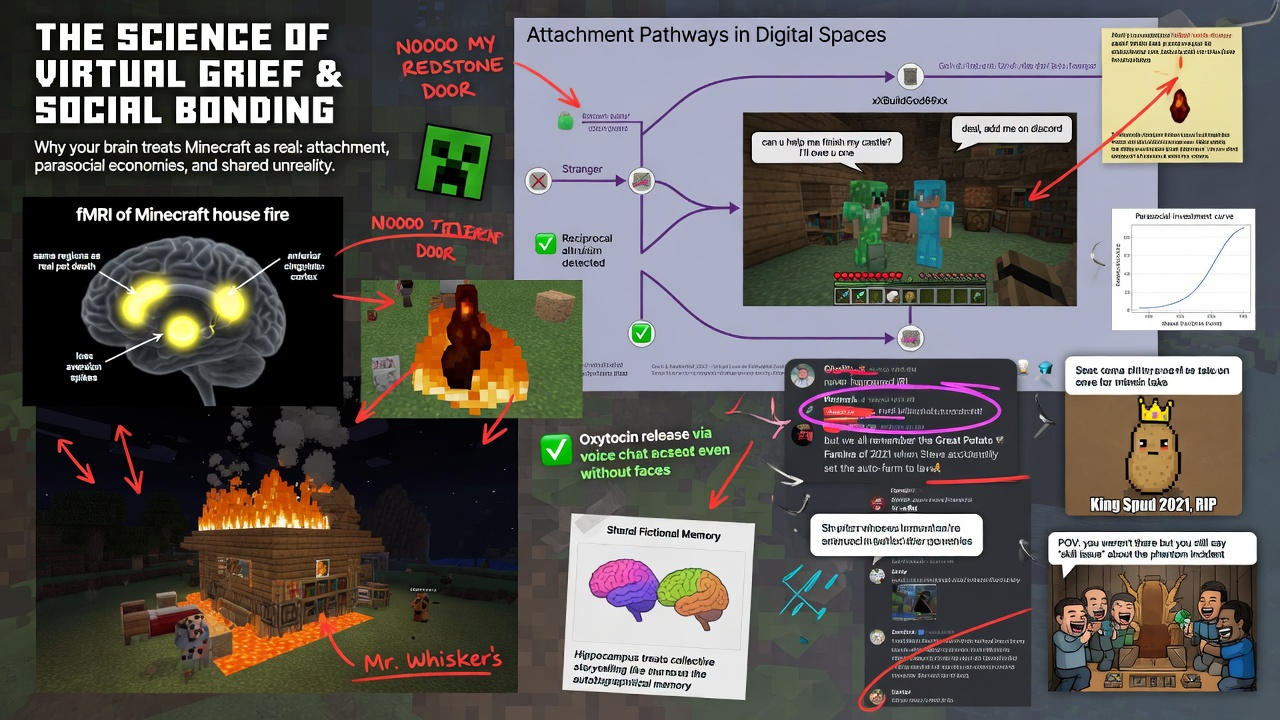
The science of why people grieve when their Minecraft house burns down, trade favors with strangers they’ve never met in person, and develop inside jokes about things that never happened in the real world.

A house that isn’t there

Let me tell you about something that happens all the time and that almost nobody takes seriously. Somebody builds a house in a video game. A digital structure, made of digital blocks, sitting on a digital plot of land that exists only as data on a server somewhere. They spend hours on it — maybe weeks. They choose the materials carefully. They place the windows where the light comes in right. They build a little garden out back, because the garden makes it feel complete. The house is not real. It cannot be lived in. It has no value on any market that deals in physical objects.

And when somebody griefs it — when some other player comes along and burns it down or blows it up for laughs — the person who built it feels a surge of anger and loss that is, by any honest measure, real. Not metaphorical. Not exaggerated. The feeling is genuinely comparable, in both quality and intensity, to the feeling of having something physical vandalized. They feel violated. They feel robbed. Some of them log off and don’t come back.

Every experienced gamer knows this. Most people outside of gaming dismiss it. But there is a growing body of research in psychology, neuroscience, and behavioral economics that says the gamers are right and the dismissers are wrong — and that the feelings people develop about virtual places, virtual objects, and virtual communities are not pale imitations of “real” feelings. They are the same feelings, running on the same psychological machinery, triggered by the same mechanisms. The virtual village feels like home because your brain is using the same hardware to process it that it uses to process your actual home.

I want to walk you through four pieces of that research, because they map almost perfectly onto four dynamics that make virtual communities work. And if you’re somebody who designs virtual worlds for a living — or wants to — understanding these dynamics is not optional. They are the difference between building a world people visit and building a world people belong to.

Continue reading Why Your Virtual Village Feels Like Home
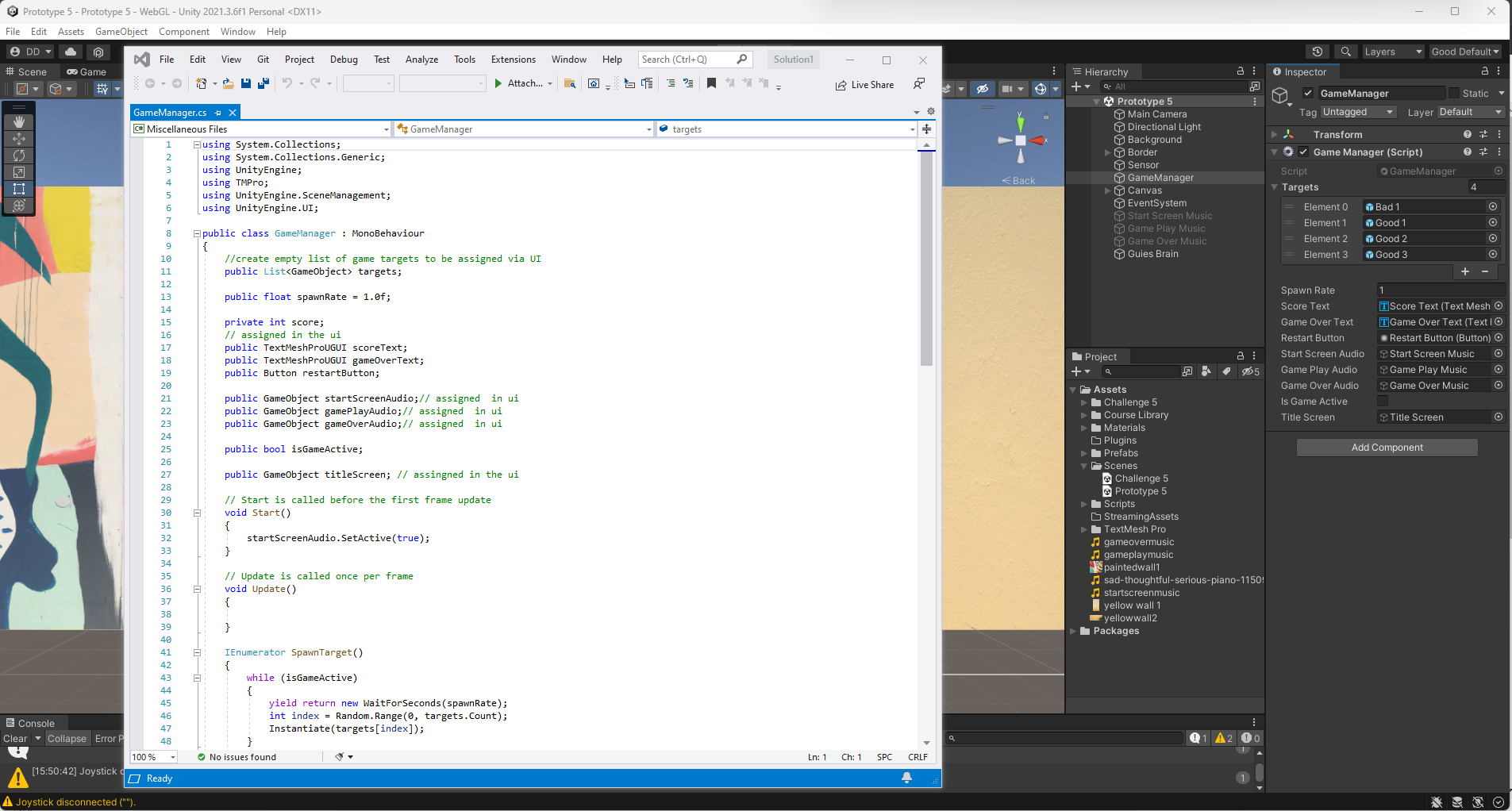
Unity Junior Programmer Mission: Create With code Challenge 5 – Whack A Food

In this challenge I was required to put my User Interface skills to the test with this whack-a-mole-like challenge. The project scope is a game in which you have to get all the food that pops up on a grid while avoiding the skulls.

Continue reading Unity Junior Programmer Mission: Create With code Challenge 5 – Whack A Food

Unity Junior Programmer Mission Create With code Unit 5 – User Interface

In this Unit, I programmed a game to test the player’s reflexes, where the goal is to click and destroy objects randomly tossed in the air before they can fall off the screen. In creating this prototype, I learned how to implement a User Interface – or UI – into my projects. I added a title screen with a difficulty select menu that allows the user to control how challenging the gameplay is. In addition, I added a score display that will track how many points the player has earned, and a Game Over screen, which will allow the player to restart and try again.

Continue reading Unity Junior Programmer Mission Create With code Unit 5 – User Interface

Unity Junior Programmer Mission Create With code Unit 3 – Sound and Effects

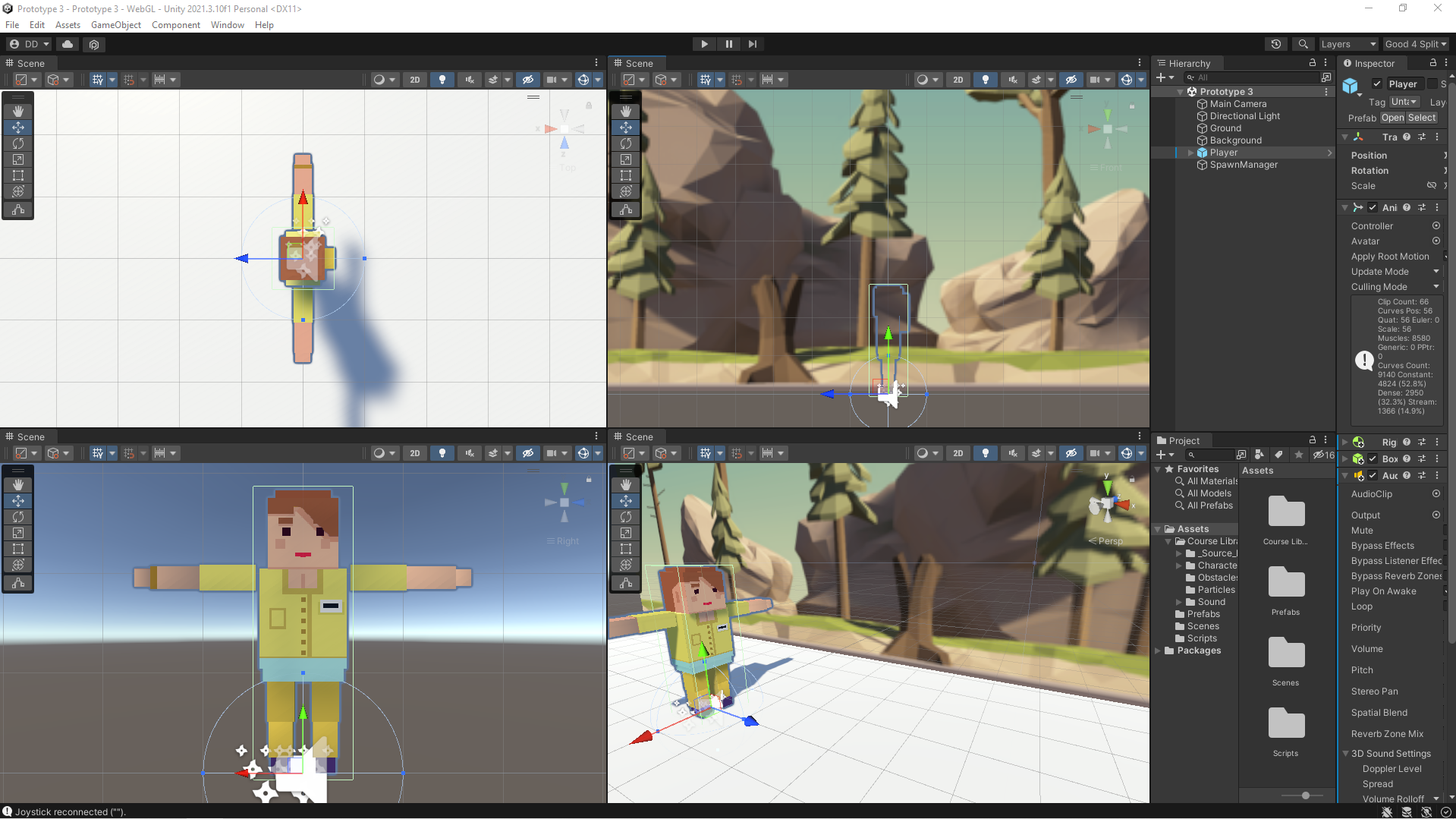
3d Metaverse Application Development Workspace

The objective of this fun project was to program an endless side-scrolling game with a fast-paced runner style of gameplay. While completing this prototype, I learned how to completely transform the experience of my projects using sound effects and music. I also learned how to create dynamic endless repeating backgrounds that are critical for a side-scrolling gameplay experience.  The final piece of work was learning how to use particle effects such as splatters and explosions. They seem to make the game so much more satisfying to play!

Continue reading Unity Junior Programmer Mission Create With code Unit 3 – Sound and Effects

Unity Junior Programmer Mission: Create With code Challenge 2 – Program a dog to play fetch

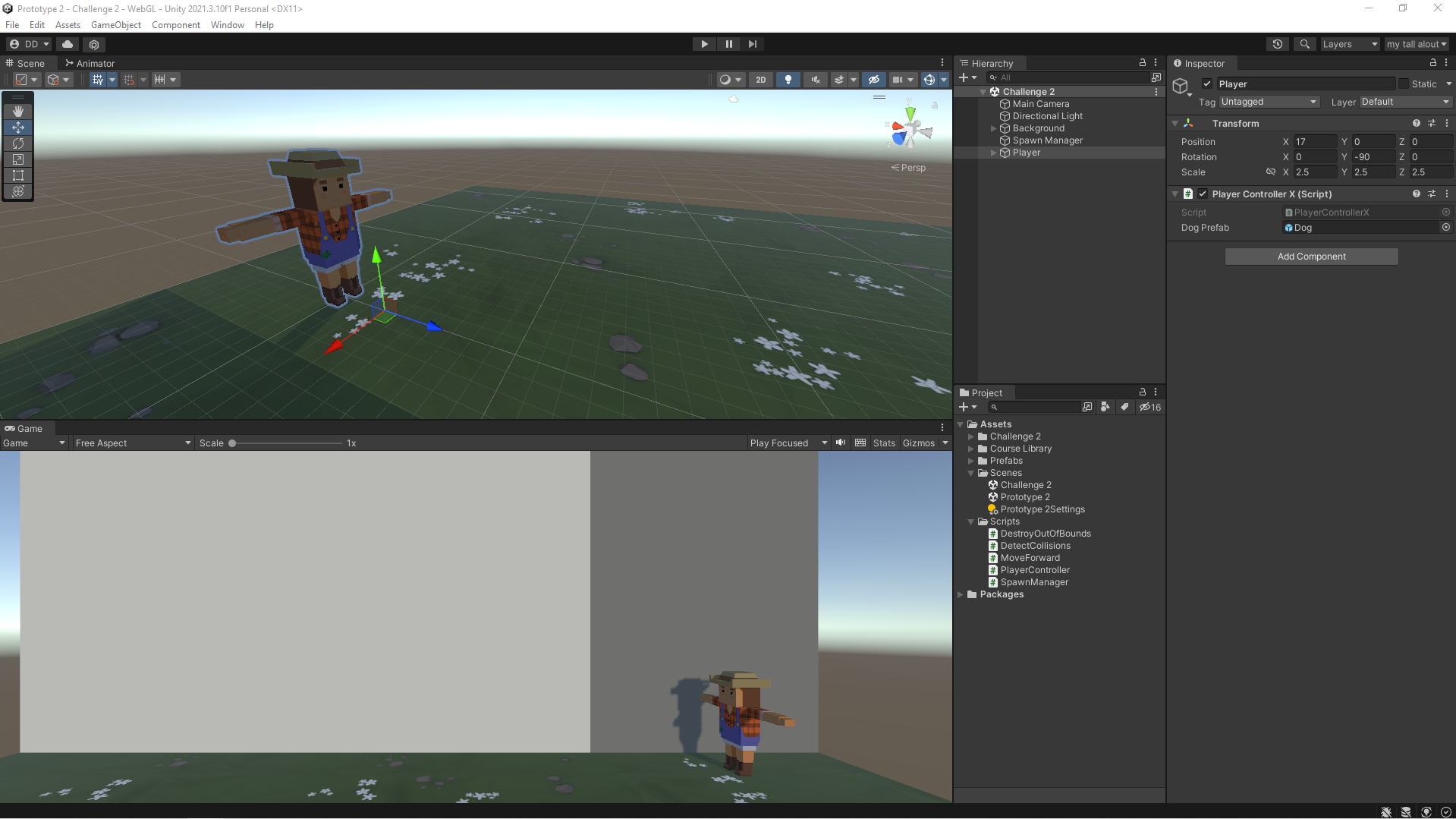
My custom Unity development layout

I used array and random number generation skills to program this challenge where balls are randomly falling from the sky and you have to send your dog out to catch them before they hit the ground. To complete this challenge, I was required to make sure the variables are assigned properly, the if-statements are programmed correctly, the collisions are being detected perfectly, and that objects are being generated randomly.

Give the game a try in your browser at https://meta.dwdenney.com/challenge2/

Continue reading Unity Junior Programmer Mission: Create With code Challenge 2 – Program a dog to play fetch

Unity Junior Programmer Mission: Create With code Unit 2 – Basic Gameplay

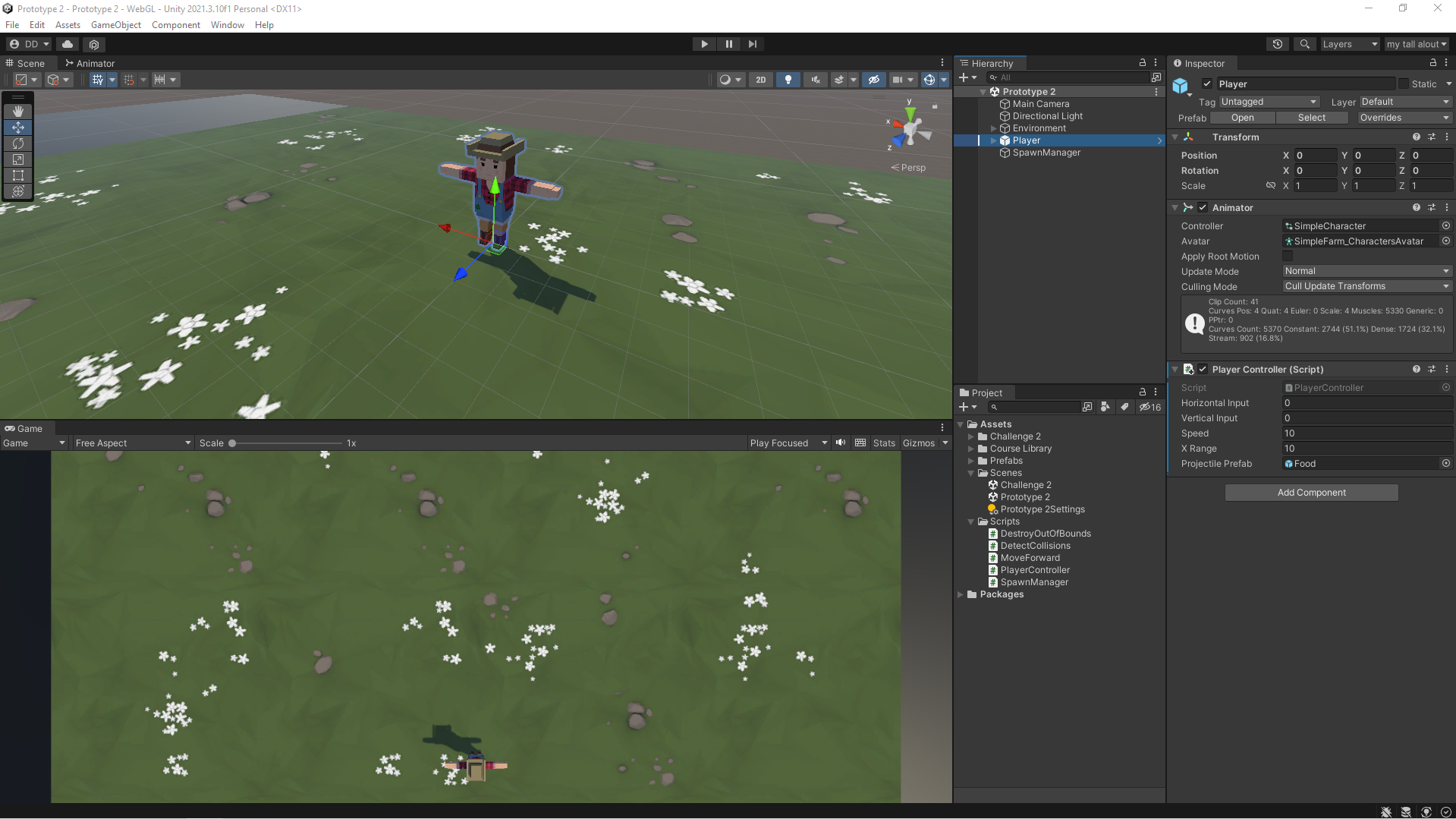
My Custom Layout in Unity Development Environment

In this mission I undertook the bold task to program a top-down game with the objective of throwing food to hungry animals. To make things even more outrageous, the wild hungry animals are stampeding toward you and you must feed them before they can run past you. While working on this I became much more familiar with some of the most important programming and Unity concepts, including if-then statements, random value generation, arrays, collision detection, prefabs, and instantiation. I programmed a “Spawn Manager” to handle the spawning of random animals at random intervals. By completing this project I have demonstrated the ability to program a basic game complete with launching projectiles and maneuvering the player to keep the game alive.

https://meta.dwdenney.com/unit2/

Continue reading Unity Junior Programmer Mission: Create With code Unit 2 – Basic Gameplay

Unity Junior Programmer Mission: Create With code Unit 1 – Start your 3D Engines

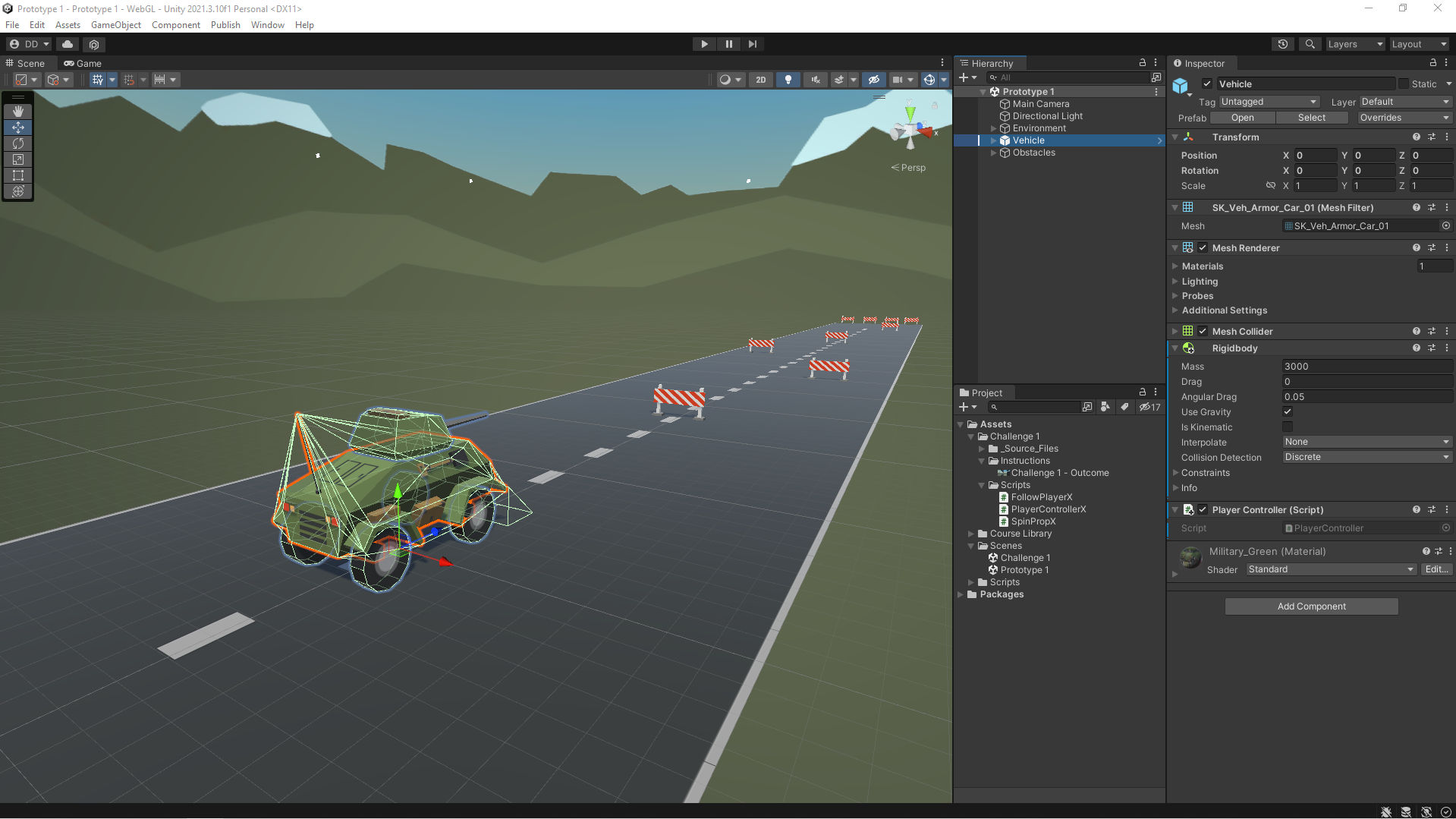
In this Unit, I programmed a car moving side-to-side on a road, trying to avoid (or hit) obstacles in the way. In addition to becoming familiar with the Unity editor and workflow, I learned how to create new C# scripts and do some simple programming. By the end of the Unit, I was able to call basic functions, then declare and tweak new variables to modify the results of those functions.

Continue reading Unity Junior Programmer Mission: Create With code Unit 1 – Start your 3D Engines