I was challenged to use the skills learned in the driving simulation to fly a plane around obstacles in the sky. I was required to get the user’s input from the up and down arrows in order to control the plane’s pitch up and down. I also needed to make the camera follow alongside the plane in order to keep it in view.
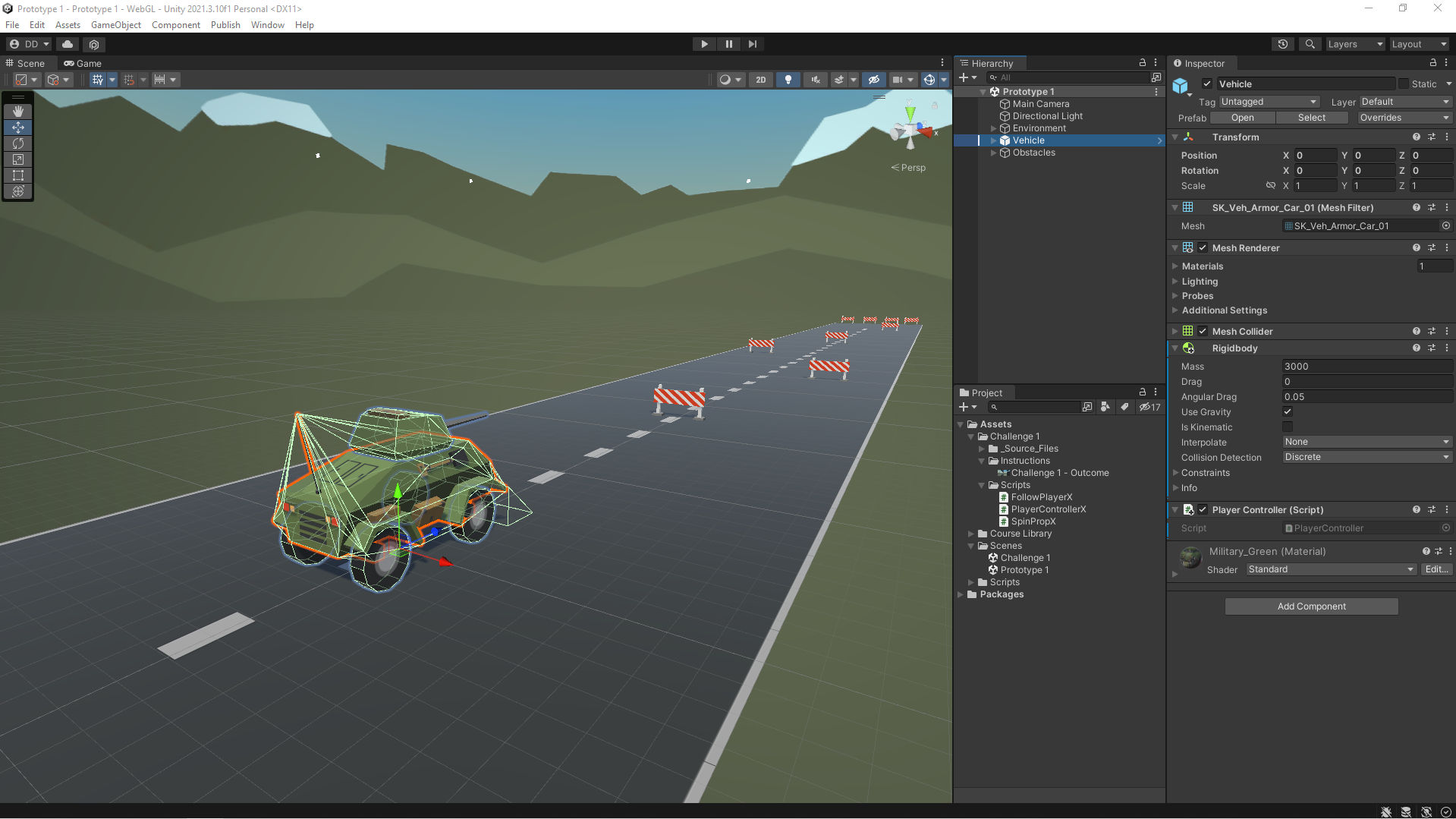
In this Unit, I programmed a car moving side-to-side on a road, trying to avoid (or hit) obstacles in the way. In addition to becoming familiar with the Unity editor and workflow, I learned how to create new C# scripts and do some simple programming. By the end of the Unit, I was able to call basic functions, then declare and tweak new variables to modify the results of those functions.
While most people think about the Metaverse as being a media that involves visual art, there is an often overlooked area that can greatly enhance a metaverse project. Currently most apps and games have a pumping soundtrack and sword slashing game play. The ability to use 3D spatial audio effects to provide an exciting user experience has just started to be implemented. Current projects are just scraping the surface of what can be done to provide a fun and exciting audio experience for the user.
This project will demonstrate that I can produce high quality sound effects to greatly enhance the user experience. I was provided the virtual “set” and instructed to add a static background music as well as a 3D spatial surround sound effect. I placed the effect on a pot boiling on the stove. As you move closer you can hear the bubbling. I also added an Easter egg… if you put your ear by the door, you can hear ambient sounds in the next room. Check it out and let me know what you think.
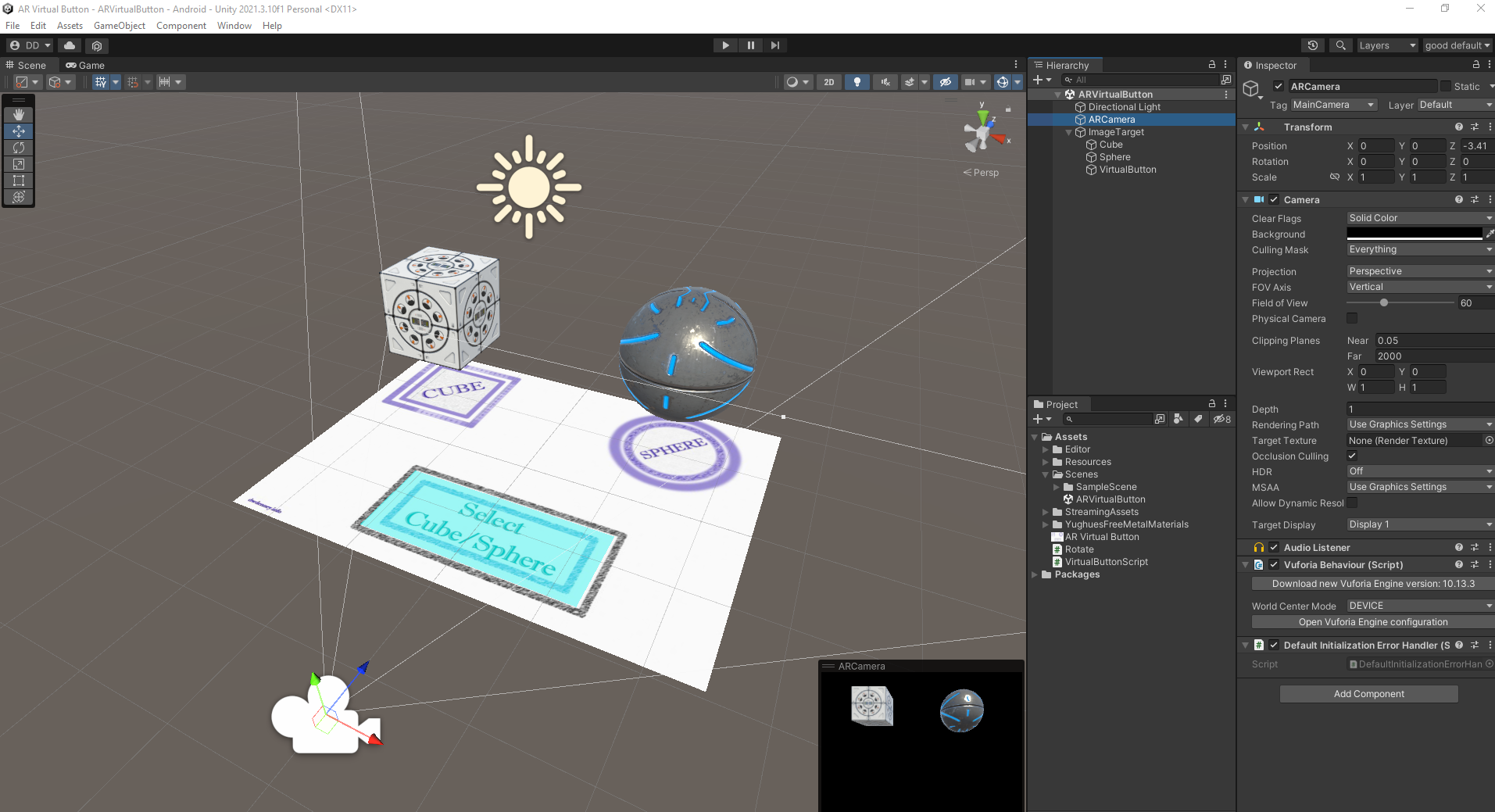
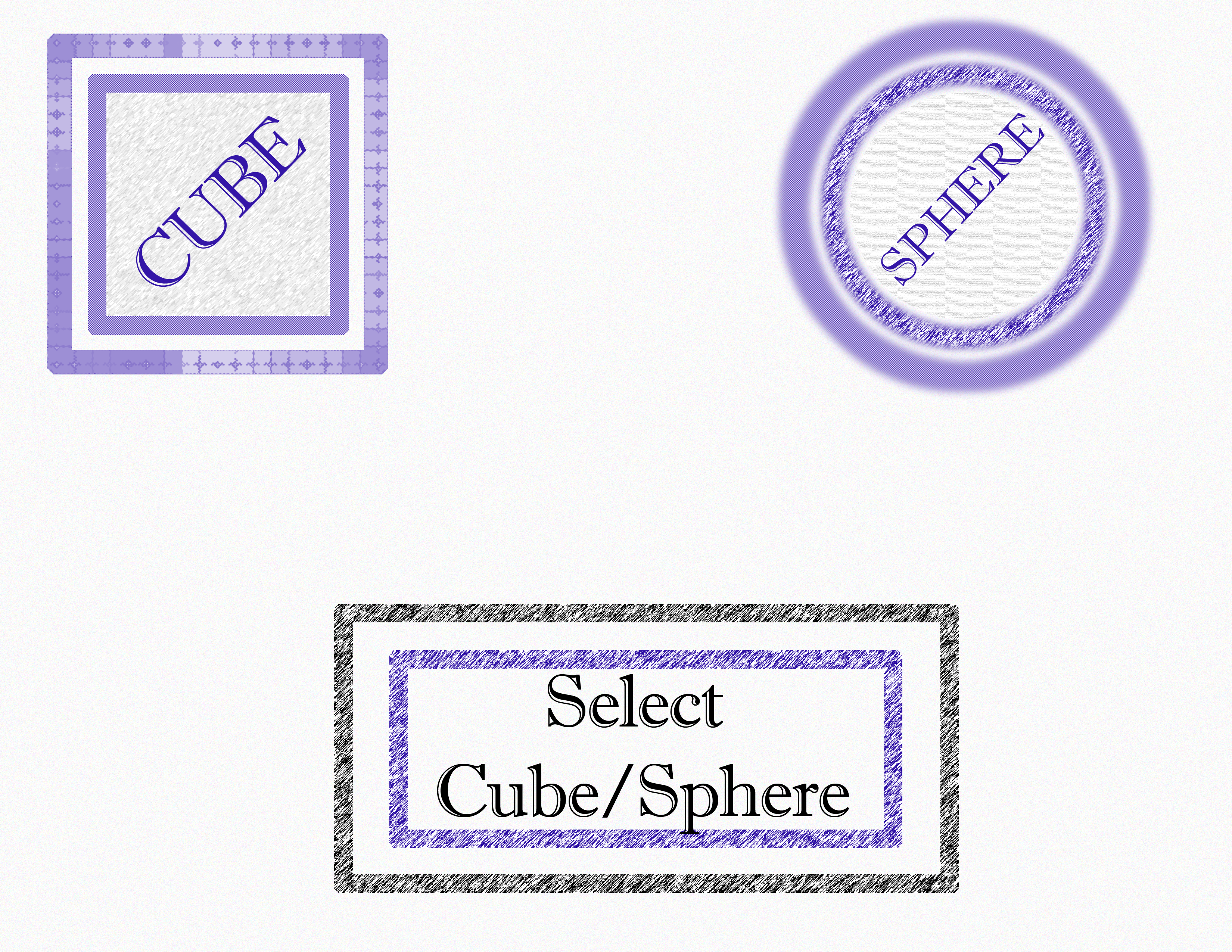
We’ve covered the basics of AR targeting in the first few lessons and now we move on to an exciting feature: a virtual button that can recognize when you are touching it. I used Photoshop and designed a custom image Target in the style of a game board. There are placeholders for 3D models of a cube and a sphere, and there is a “button” as well.
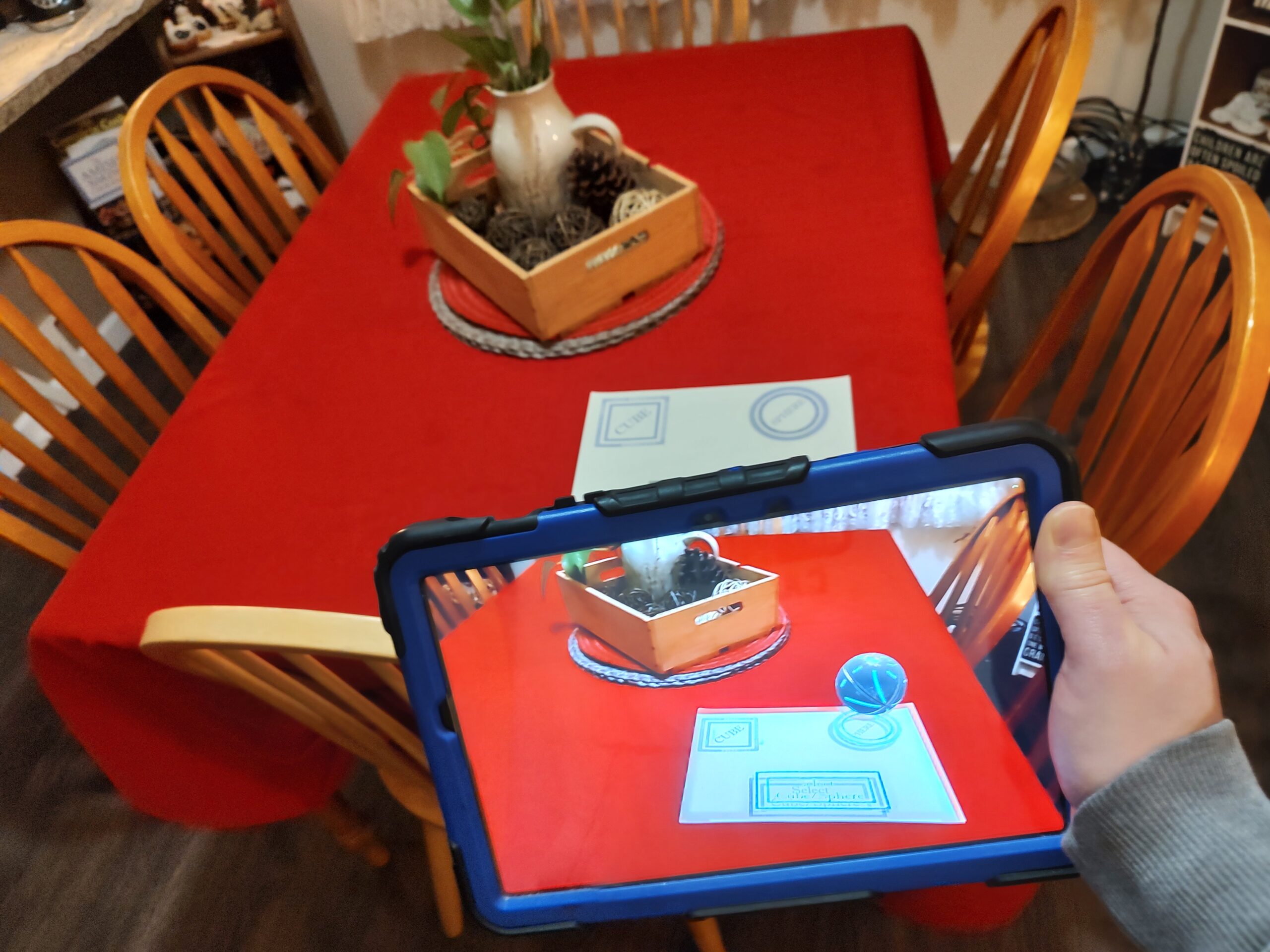
The completed scene when run on your Android device will recognize button press and switch from a sphere to a cube hovering over the game board display.
viewing the image Target game board through the camera of an Android device.
The possibilities for interactive displays and art exhibits are endless. I look forward to seeing how this technology will grow and develop to be used more in the future. Feel free to contact me if you need any projects completed using this amazing technology.
With this fun project I set out to enhance comic books using augmented reality technology. I chose a few covers from some of my favorites and tried to follow the theme of the comic book cover while adding augmented reality enhancements. The 3D objects and animations that enhance the scene when viewed through a camera seem to be a perfect combination.
Building on what I learned in my first project, I made five different AR targets and programmed each one with a different augmented reality effect. Some of them are quite complex such as smoke coming out of the chimney of a house and even characters that attempt to attack an enemy.
The first one is the cover of one of my beloved childhood comic book characters: Garfield. What could be better than looking at the cover through a camera and seeing Garfield trying to devour a steaming cheeseburger.
In this exciting project I created an augmented reality (A/R) application with a clothing based Image Target using the Unity 3D engine and A/R camera recognition.
DeeDub’s workspace in the Unity 3D engine
This application will let you view through your camera and see your surroundings enhanced with augmented reality. When the camera recognizes a certain image that has been programmed in, it’s able to place a 3D animated character on surface of the image.
Image Target with AR recognition
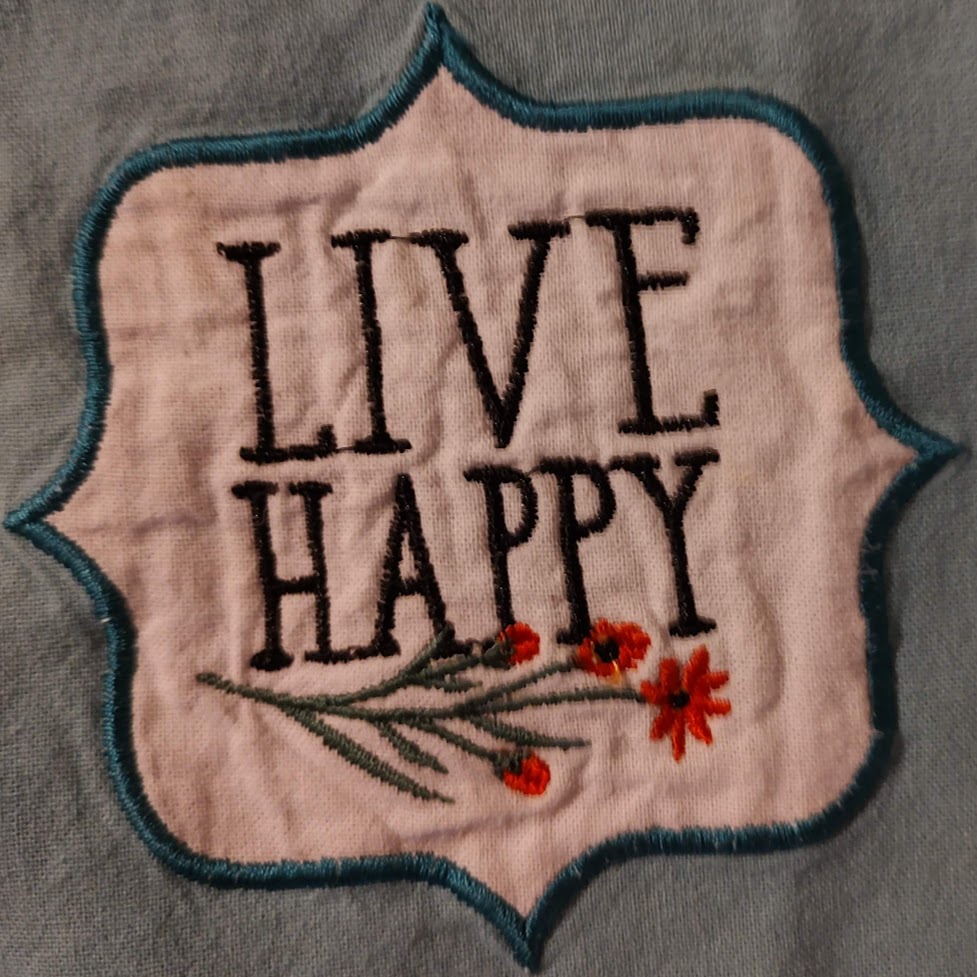
I programmed the camera to recognize a “Live Happy” logo that is on my wife’s apron. When the camera recognizes the logo it projects a 3D animated action figure walking around the logo. Once the image is tracked and the AR recognition has locked in place, you can move the device around and watch the AR camera match your movements.
Feel free to check out the APK (you’ll need to sideload it via developer mode on an Android device). One you load up the APK and install it on your device, open the app and point the camera at this logo:
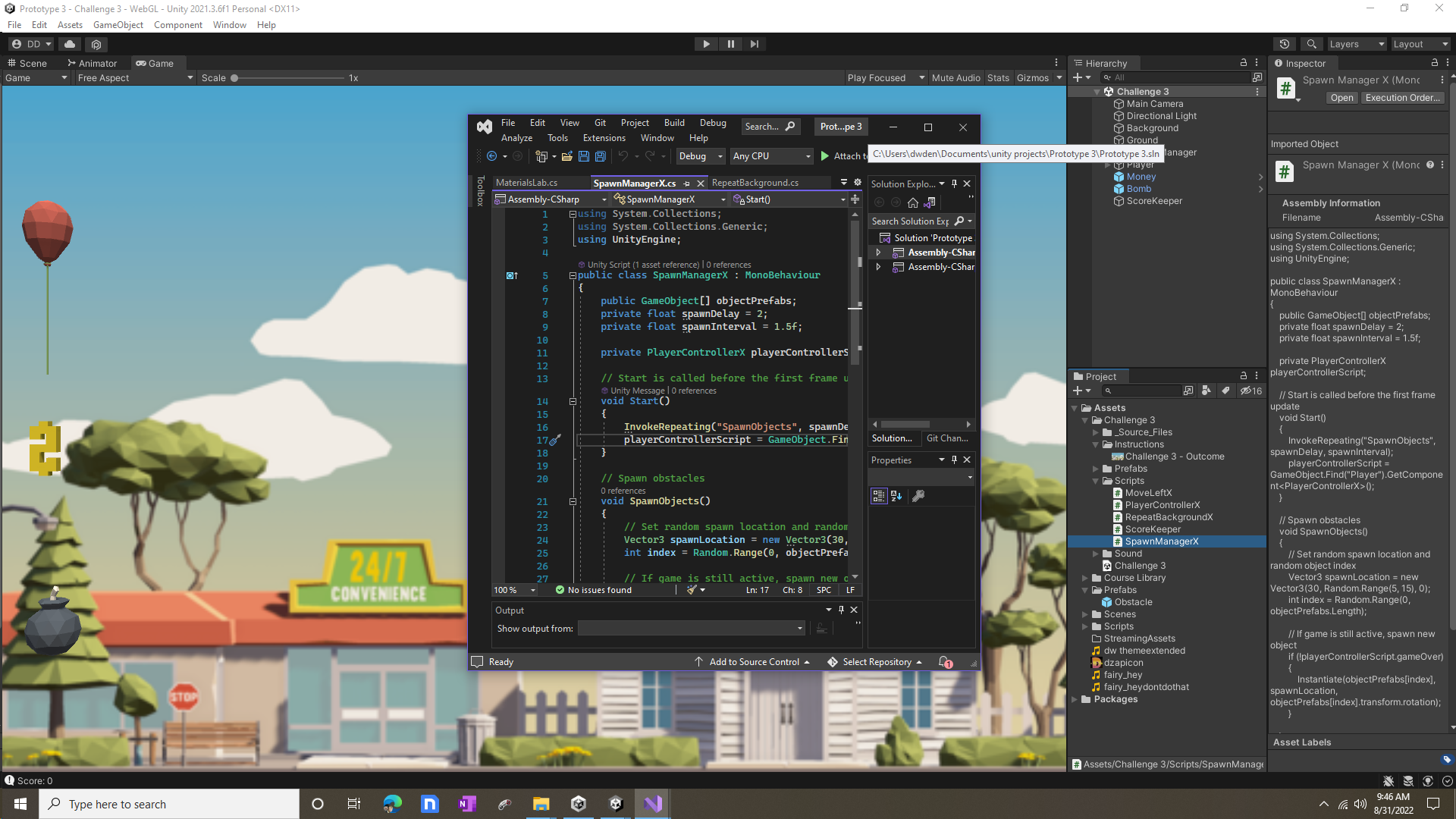
In this challenge I was tasked to apply my knowledge of physics, scrolling backgrounds, and special effects to a balloon floating through town. The balloon must pick up tokens while avoiding explosions. I had to do a lot of troubleshooting in this project because it was riddled with errors.
Upon successfully completing this challenge I became proficient in application scripting , debugging, diagnosing and fixing code. I also practiced resolving compilation errors and fixing the cause of an exception.
Working in Unity with Visual Studio Integration Development Environment
In this Unity learning challenge I put my User Interface skills to the test with this whack-a-mole-like challenge in which you have to get all the food that pops up on a grid while avoiding the skulls. I was required to debug buttons, mouse clicks, score tracking, restart sequences, and difficulty setting to get to the bottom of this one. I tested the application, made a log of any errors/bugs in the code and gameplay. Using C# scripting and utilizing various Unity APIs, I completed the debugging, diagnosing and fixing code that compiles but fails to perform as expected.
Challenge Outcome:
All of the buttons look nice with their text properly aligned
When you select a difficulty, the spawn rate changes accordingly
When you click a food, it is destroyed and the score is updated in the top-left
When you lose the game, a restart button appears that lets you play again