A/R Virtual Button

Image Target with 3D objects hovering over

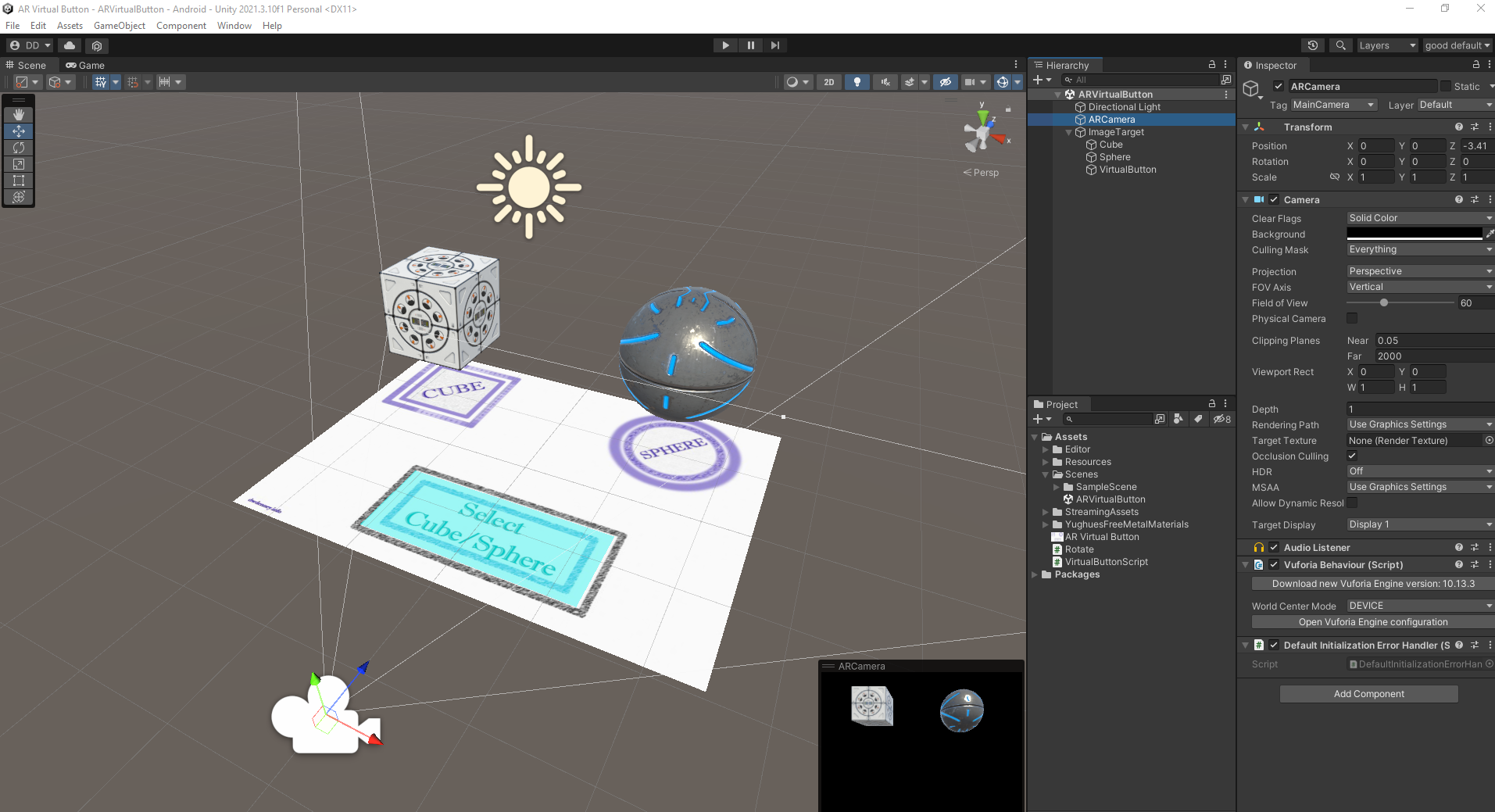
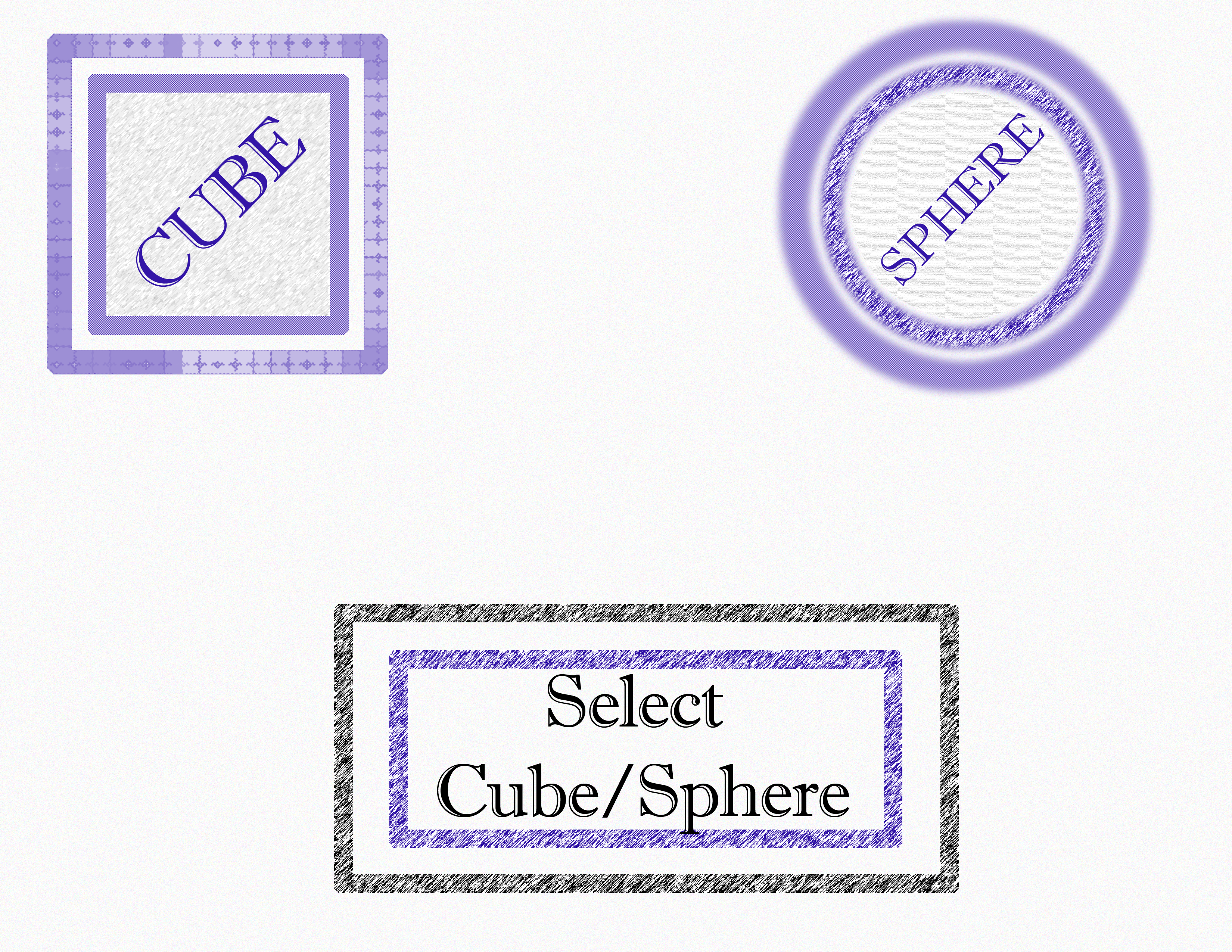
We’ve covered the basics of AR targeting in the first few lessons and now we move on to an exciting feature: a virtual button that can recognize when you are touching it. I used Photoshop and designed a custom image Target in the style of a game board. There are placeholders for 3D models of a cube and a sphere, and there is a “button” as well.

The completed scene when run on your Android device will recognize button press and switch from a sphere to a cube hovering over the game board display.
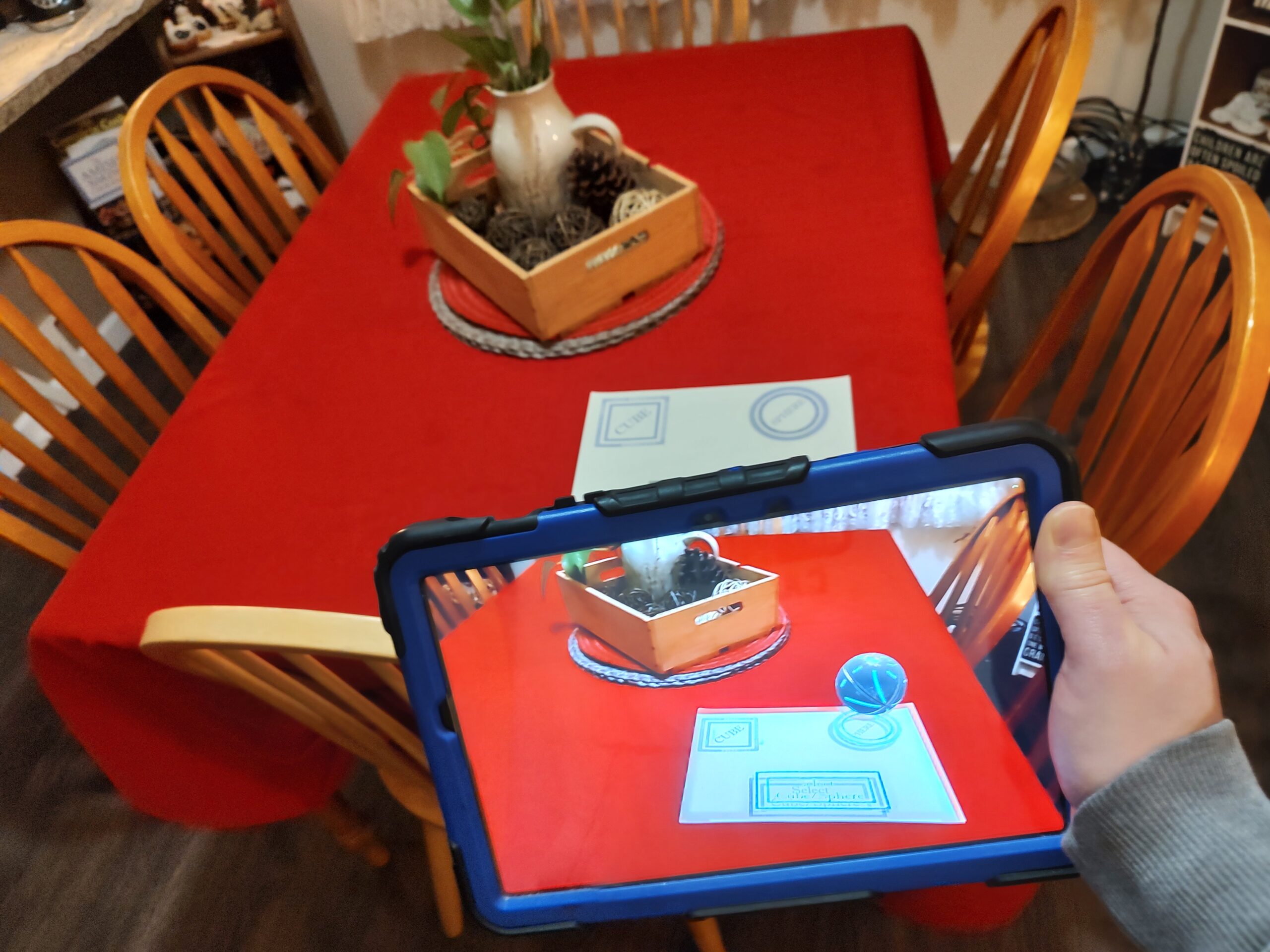
viewing the image Target game board through the camera of an Android device.

The possibilities for interactive displays and art exhibits are endless. I look forward to seeing how this technology will grow and develop to be used more in the future. Feel free to contact me if you need any projects completed using this amazing technology.

Download the APK here https://meta.dwdenney.com/ARVirtualButton.apk and try it with this image target:
A/R Enhanced Comic Books

With this fun project I set out to enhance comic books using augmented reality technology. I chose a few covers from some of my favorites and tried to follow the theme of the comic book cover while adding augmented reality enhancements. The 3D objects and animations that enhance the scene when viewed through a camera seem to be a perfect combination.

Building on what I learned in my first project, I made five different AR targets and programmed each one with a different augmented reality effect. Some of them are quite complex such as smoke coming out of the chimney of a house and even characters that attempt to attack an enemy.

The first one is the cover of one of my beloved childhood comic book characters: Garfield. What could be better than looking at the cover through a camera and seeing Garfield trying to devour a steaming cheeseburger.

Continue reading A/R Enhanced Comic Books

Augmented Reality Application with Clothing Image Target

In this exciting project I created an augmented reality (A/R) application with a clothing based Image Target using the Unity 3D engine and A/R camera recognition.

DeeDub’s workspace in the Unity 3D engine

This application will let you view through your camera and see your surroundings enhanced with augmented reality. When the camera recognizes a certain image that has been programmed in, it’s able to place a 3D animated character on surface of the image.

Image Target with AR recognition

I programmed the camera to recognize a “Live Happy” logo that is on my wife’s apron. When the camera recognizes the logo it projects a 3D animated action figure walking around the logo. Once the image is tracked and the AR recognition has locked in place, you can move the device around and watch the AR camera match your movements.

Feel free to check out the APK (you’ll need to sideload it via developer mode on an Android device). One you load up the APK and install it on your device, open the app and point the camera at this logo:

A picture of a logo from an apron. It will be used as an image target in this application.